

OKI
OKI Pro9431 A3 Colour Printer
A3 and SRA3 colour printer. The machine we run to personalise a whole run of badges before the event, and to print programmes, signage and certificates on heavy stock.
Add as many items as you need to one quote - no payment, no obligation. We'll reply with pricing, delivery and setup across Singapore.
Specifications
- Model
- OKI Pro9431dn
- Print tech
- Digital LED, Multi-Level ProQ
- Resolution
- 1200 x 1200 dpi
- Speed
- Up to 50 ppm A4, 28 ppm A3
- Paper sizes
- A6 to SRA3, banners to 1.3m
- Media weight
- To 360gsm single sided, 320gsm duplex
- Paper capacity
- 530-sheet tray plus 300-sheet multi-purpose
- Connectivity
- Gigabit Ethernet, USB 2.0
- Weight
- Approx. 96.5 kg
Where it's used
- Pre-printing names and QR codes onto badge stock
- Event programmes and booklets
- Signage, table cards and place names
- Certificates and award printing
Badges, personalised before the door opens
A badge job usually has two halves. The design gets printed in bulk on good stock ahead of time, and then every badge needs the part that belongs to one person: a name, a job title, the QR code that gets them through the door. The Pro9431 handles that second half. It takes the pre-printed stock and lays the personal detail onto it a full run at a time, so the whole batch is done and boxed before anyone reaches the venue.
It is an A3 and SRA3 colour printer built for graphic arts work, which is why it takes badge card at all. Stock that would jam a desktop printer feeds through at up to 360gsm, and at 1200 x 1200 dpi the QR code comes out crisp.
Pre-printing is not the only way to do badges. To print at the door instead, the Zebra ZD420T does that: a guest checks in and the badge prints in seconds. Plenty of events run both, pre-printing the confirmed list and keeping the Zebra on the counter for walk-ins.
Everything else an event has to print
The same machine covers the rest of the printing once it is on site. Programmes and booklets run on SRA3 and fold down, and table cards, place names and certificates go on heavy card. Banner lengths reach 1.3m, which takes in the long thin signage that normally goes out to a print shop. It also takes gloss paper, film, transfer paper and waterproof paper.
We have one unit, and it goes out either way: hire it for the event, or keep it on a longer rental if you are printing badges month after month. Say which when you ask for a price.
Frequently asked
Can it print the whole badge, design and all? It can. The usual arrangement is the other way round though: the design is already printed on the stock, and the Pro9431 adds the name and QR code on top.
Badge card or paper? Both. Up to 360gsm single sided and 320gsm duplex covers most badge stock.
How is this different from the Zebra? The Zebra prints one badge at a time, at the door, in thermal. The Pro9431 prints the whole run in colour, before the day. Two different jobs.
What handles A4 paperwork on the day? The Epson EcoTank L3250 on the registration desk. If you would rather hand the whole counter over, our on-site registration team runs it, printers included.
Pairs well with
Related gear
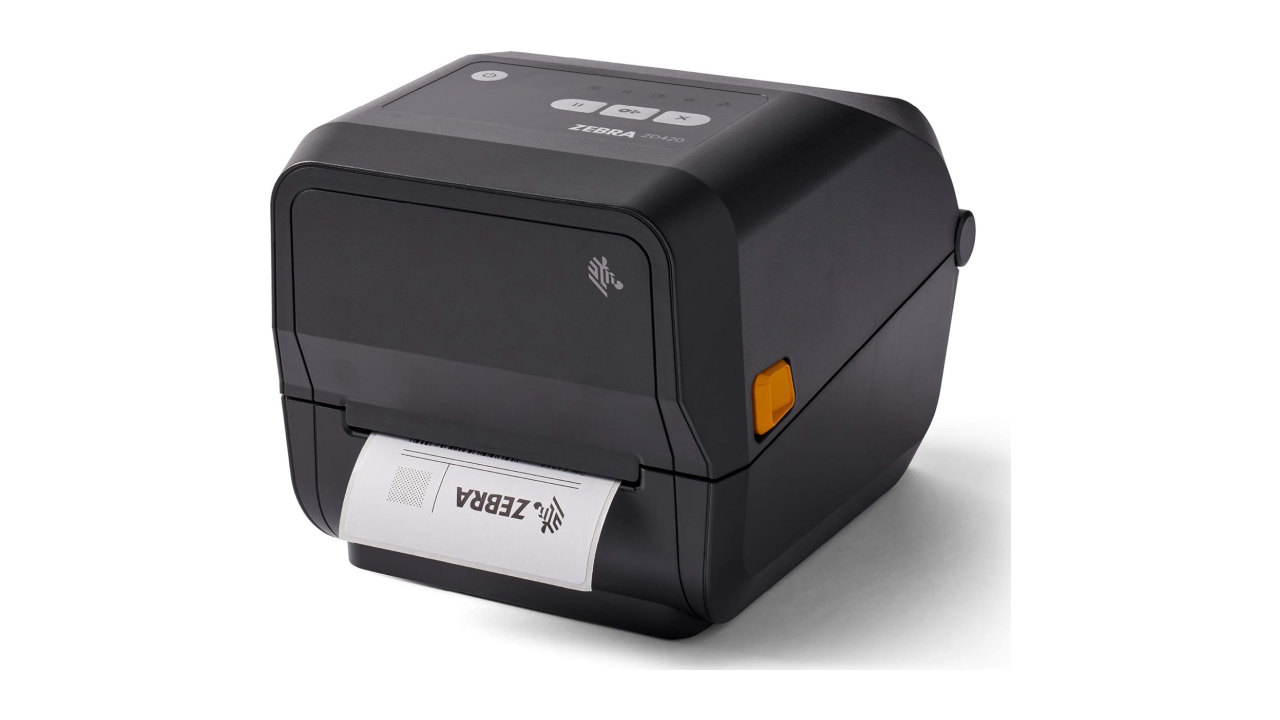
Zebra ZD420T Thermal Badge Printer
Zebra ZD420T thermal printer that prints a name badge the second a guest checks in. No ink, no ribbon, clean output all day.
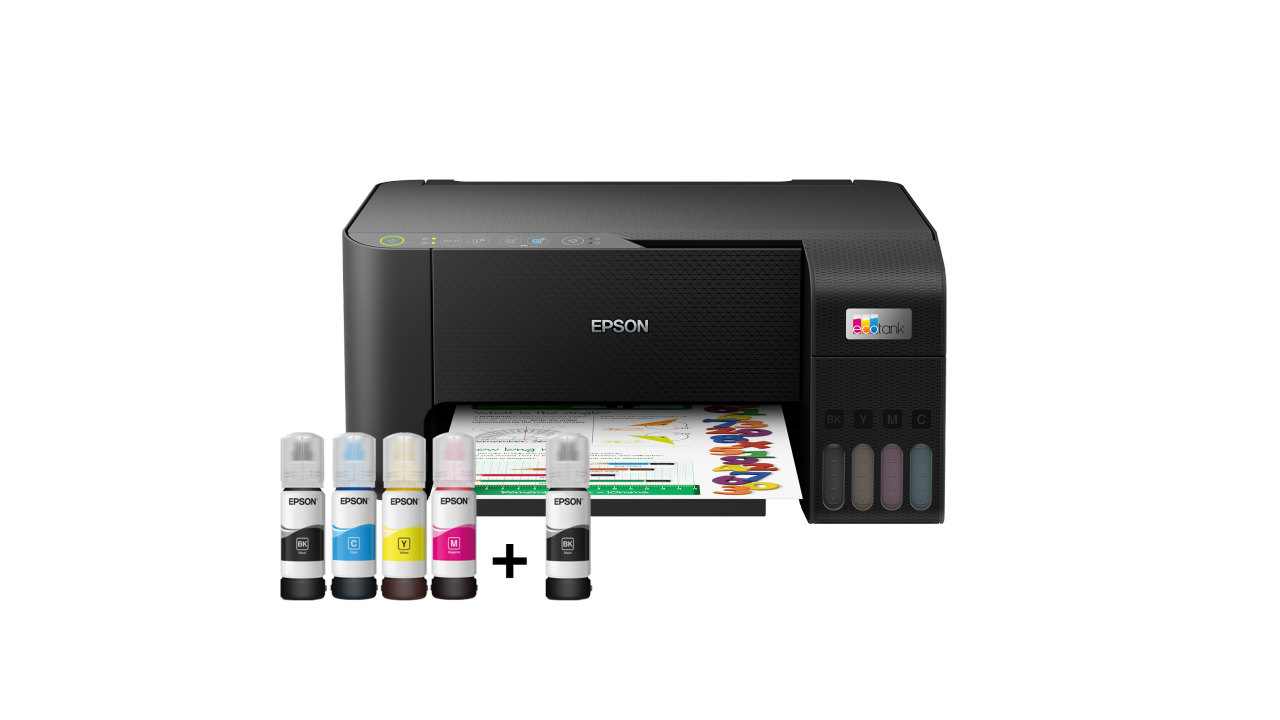
Epson EcoTank L3250 Printer
Compact Wi-Fi print/scan/copy ink-tank printer for the registration desk. Fast, low-cost A4 output and no cartridges to run dry.
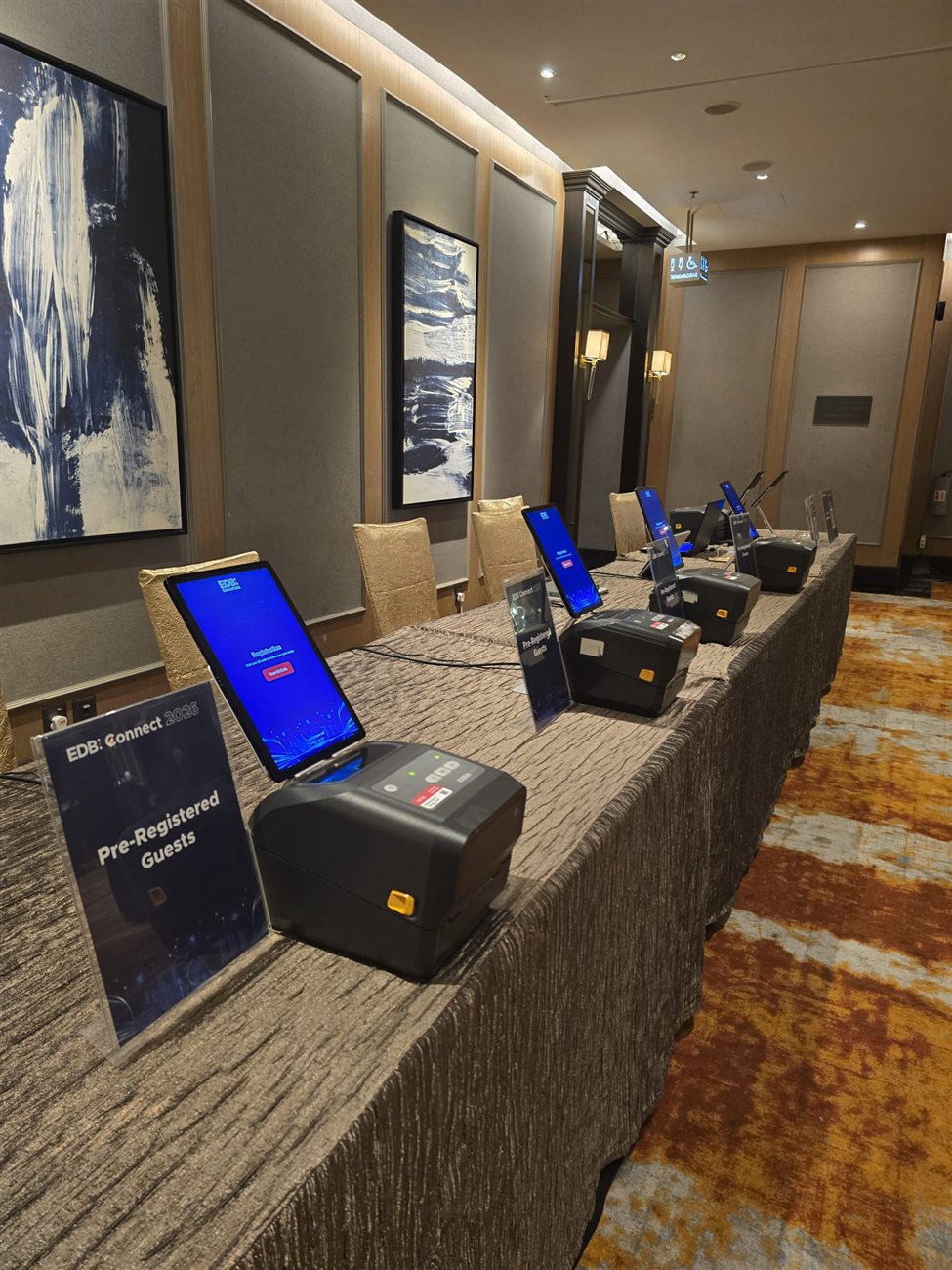
On-site Registration Crew
Trained FrontHAUS crew who set up your check-in desk, run it, and fix problems live - so your own team stays on the floor with guests.