

Epson
Epson EcoTank L3250 Printer
Compact Wi-Fi print/scan/copy ink-tank printer for the registration desk. Fast, low-cost A4 output and no cartridges to run dry.
Add as many items as you need to one quote - no payment, no obligation. We'll reply with pricing, delivery and setup across Singapore.
What's included
- Epson EcoTank L3250 printer
- Ink bottles (CMYK)
- Power and USB cables
Specifications
- Functions
- Print / scan / copy
- Print tech
- PrecisionCore Heat-Free inkjet, 4-colour
- Speed
- Up to 33 ppm draft (10 ppm ISO black)
- Resolution
- Up to 5760 × 1440 dpi
- Connectivity
- Wi-Fi, Wi-Fi Direct, USB
- Paper
- A4
- Weight
- 3.9 kg
Where it's used
- Registration and check-in desks
- On-the-day signage and handouts
- On-site rental office / production desk
- Forms, passes and reprints
A print desk that doesn't run dry
Something always needs printing at the registration desk on the day. A pass gets reprinted, a sign goes up at the last minute, someone needs a form or a scan of their ID. The EcoTank L3250 covers all of it: print, scan and copy over Wi-Fi, running on refillable ink tanks instead of cartridges. It won't die on you halfway through the event, and the cost per page is next to nothing.
Setup
Connect over Wi-Fi (or Wi-Fi Direct / USB), load A4, and it's ready to go. We deliver it set up with the ink already filled. If you need name badges, pair it with a Zebra thermal badge printer and let the L3250 handle the general documents.
Frequently asked
Badges or documents? The L3250 handles general A4 print, scan and copy. For name badges printed on arrival, use the Zebra ZD420T.
Does it scan and copy too? Yes. It's a 3-in-1 with a flatbed scanner.
Pairs well with
Related gear
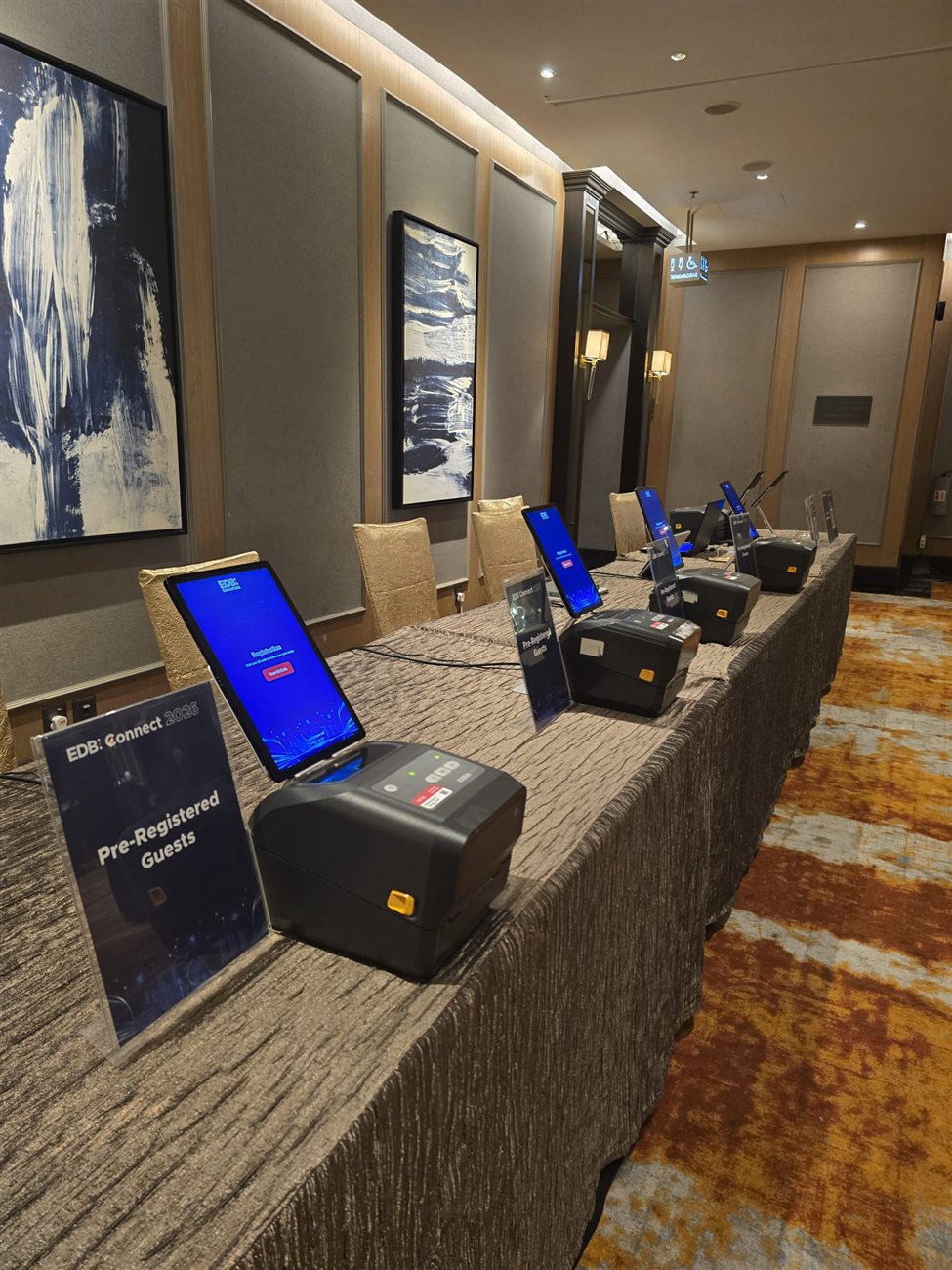
On-site Registration Crew
Trained FrontHAUS crew who set up your check-in desk, run it, and fix problems live - so your own team stays on the floor with guests.
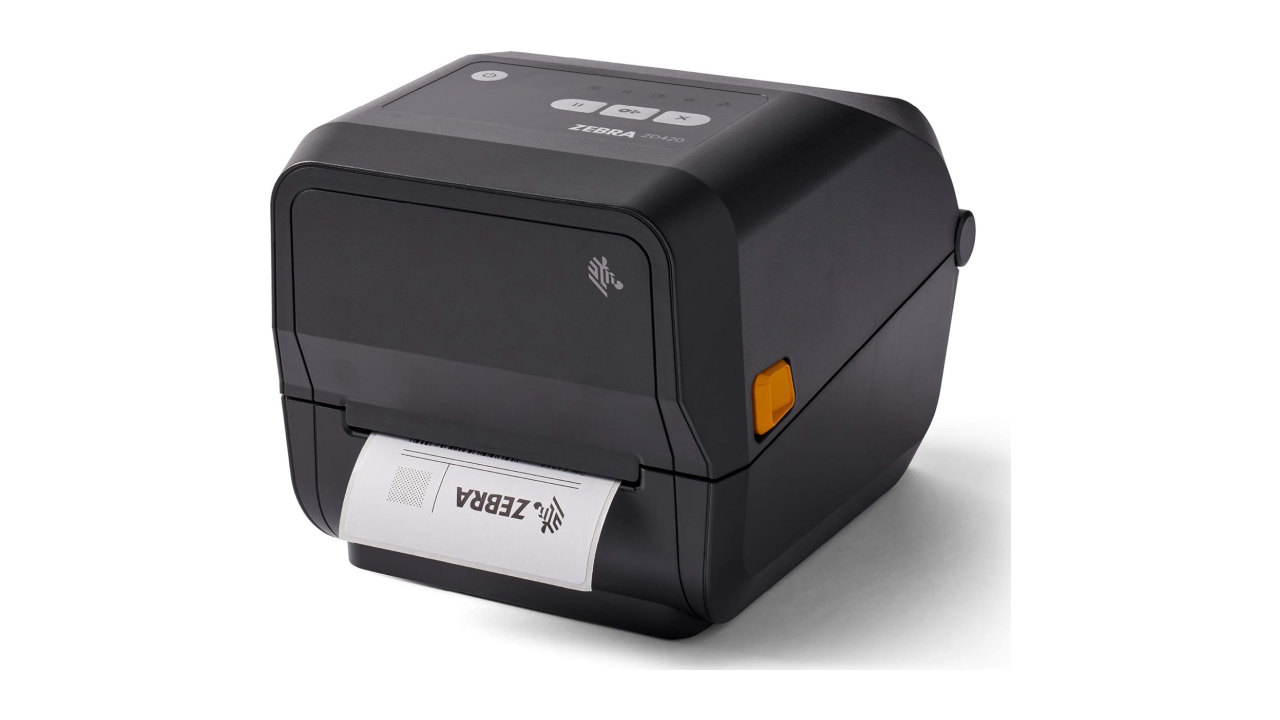
Zebra ZD420T Thermal Badge Printer
Zebra ZD420T thermal printer that prints a name badge the second a guest checks in. No ink, no ribbon, clean output all day.