

Hybrid that respects the people watching from home
Online attendees deserve more than a wobbly webcam and the back of someone's head. A few honest choices turn the stream from an afterthought into a proper seat at the event.
By FrontHAUS Team · Editorial
Part of the Running a better event guide →
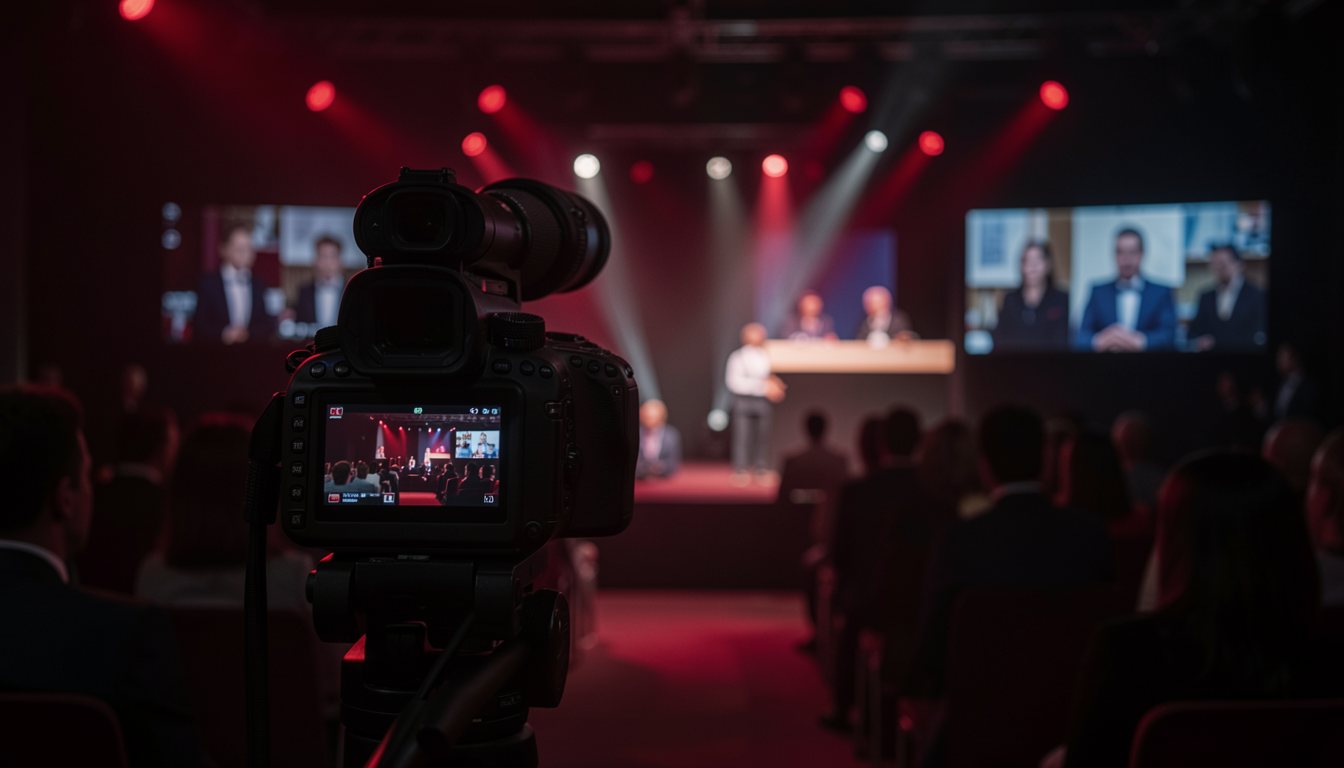
You can usually tell when remote guests were an afterthought. The camera's stuck at the back of the room, the slides are a blur, and the host forgets anyone's online until someone types "can't hear" into the chat for the fifth time. Those people read your invite and gave up an evening for it. They're getting the worst seat in a room they can't even see properly.
Fixing that doesn't take a film crew. It takes deciding, early, that the stream is a real audience, then planning like it.
Sound beats picture. People forgive a dull camera angle. The moment they can't hear a speaker, they leave, and they don't come back. So the first money goes on decent microphones, the same wireless handhelds we rent for conferences, and one person whose only job that night is watching the audio levels and the chat. Not the floor manager squeezing it in between other things. One person, one task.
Then give the online crowd something to do besides watch. A clean way to ask questions that the host reads out by name. The odd poll. A word of welcome to the people dialling in from wherever they are. When a speaker says "I've got a question here from Mdm Lim in Singapore," the remote room sits up. They're in the event now, not watching it through glass.
Don't make the in-person crowd carry the burden
There's a balance to hold. If the host spends the whole night hunched over a laptop reading chat, the people who travelled to be there feel ignored, and you've just moved the problem instead of solving it. Put a second person on the online side so the host can keep their eyes on both rooms. The audience in the chairs and the audience at home both need to feel that the host knows they're there.
One thing for the government and finance events we run a lot of. If you're recording a hybrid session or putting faces on the stream, say so plainly beforehand, and give people a way to keep their camera off without feeling awkward about it. Some guests genuinely can't be seen on a public recording, for reasons that are none of your business. Make the quiet option easy and you keep their trust.
EventHAUS handles registration, questions and polls for both rooms in one place, so your team isn't juggling four tools while trying to read the room. Get the sound right, give the remote guests a voice, and the stream stops being a consolation prize.